Customer linking and importing
Customer records are the bridge between the accounts package and the cleaning operation. In the accounts package, the customer is usually a contact or company used for billing. In KleanFlo, the customer also connects to sites, contracts, schedules, contacts, site assessments, documents, audits, customer portal visibility and operational history.
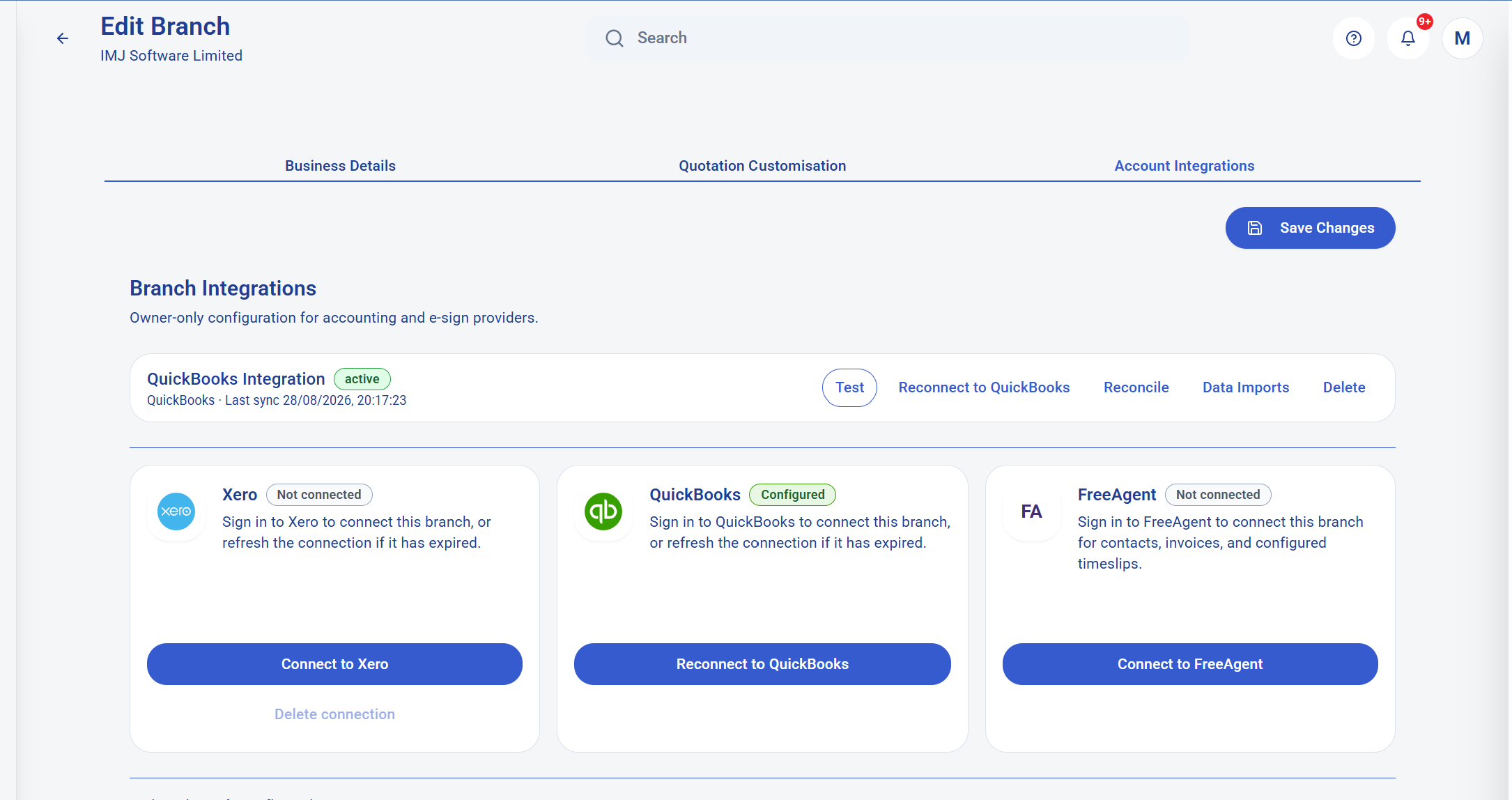
KleanFlo can list customers from Xero, QuickBooks or FreeAgent and compare them with existing local customer records. Suggested matches can use signals such as existing external IDs, customer name, primary contact email and postcode. This helps the office decide whether a provider record should be linked to an existing KleanFlo customer, imported as a new customer, synced from KleanFlo to the provider, or ignored where it is not relevant.
Customer scenarioHow KleanFlo helps
Customer already exists in KleanFlo and XeroLink the KleanFlo customer to the Xero contact so future finance actions know which external record to use.
Customer exists in QuickBooks but not KleanFloImport the customer into KleanFlo and continue setup with sites, contacts, schedules and cleaning contracts.
Customer exists in KleanFlo but not the accounts packageSync the local customer to the provider where supported, using customer and primary contact details.
Provider record is old or irrelevantIgnore it in the reconciliation workflow so the same record does not keep distracting the setup team.
Staff linking and importing
Staff records are just as important as customer records. Cleaning businesses need staff in KleanFlo for schedules, mobile app access, check-in and check-out, supervisor assignment, absences, cover shifts, timesheet review, documents and training or onboarding processes. The accounts or payroll environment may already hold employee records that should not be typed again.
KleanFlo can list employees or users from connected Xero, QuickBooks and FreeAgent accounts and compare them with local staff records. Suggested staff matches can use existing external IDs, email address, name and date of birth where available. Staff import can create active employed staff records with contact details and provider IDs attached, giving the office a faster path from accounts data to operational staff setup.
Staff data pointWhy it matters after import or linking
Name and emailSupports staff identity, app invitations, communication and reconciliation with accounting employee records.
Phone and mobileSupports supervisor contact, mobile workforce operations and absence or cover communication.
External employee IDPrevents the same worker being recreated repeatedly and gives payroll or timesheet posting a provider reference.
Employment statusHelps distinguish active employed cleaners from old or irrelevant records during setup and reconciliation.
Reconciliation keeps duplicated records under control
Importing everything blindly can create a mess. KleanFlo therefore treats reconciliation as a separate workflow. It can show provider records beside local records, suggest matches, mark confidence, and let the owner decide what to link, sync or ignore. That gives the business control over data quality instead of relying on a one-time import that may duplicate customers or employees.
For larger cleaning companies, this is one of the most important parts of the integration story. A customer may have changed name. A staff member may use a personal email in one system and a work email in another. A postcode may be missing. Reconciliation gives the office a review queue so the integration can be cleaned up deliberately.
Invoices, one-off jobs and accounting
KleanFlo's operational workflow can create invoice-ready records from cleaning work, especially for one-off jobs and completed work. Where Xero or QuickBooks is connected and configured, the invoice workflow can post selected invoice records into the accounting system rather than forcing the office to retype the invoice after the job is complete.
This is useful for commercial cleaning jobs where the operational team captures the customer, site, job detail, price, schedule and completion evidence in KleanFlo, but the finance team still needs the final invoice in the accounts package. The integration reduces duplicate work while keeping finance records inside the accounting system the business already trusts.
Payroll hours and timesheet posting
Cleaning payroll is difficult because the planned schedule and the actual attendance record are often different. Staff may start late, leave early, cover another cleaner's shift, complete a one-off job, or work across several customer sites. KleanFlo helps gather the operational evidence first: planned shift, check-in, check-out, actual duration, missing records, notes and review status.
When provider configuration supports it, KleanFlo can use connected accounting or payroll records to help post approved payroll-related hours or timesheet information. The important distinction is that KleanFlo is not just exporting a raw clock-in list. It is preparing reviewed operational hours from cleaning schedules and attendance evidence, then connecting those records to the appropriate provider identity where supported.

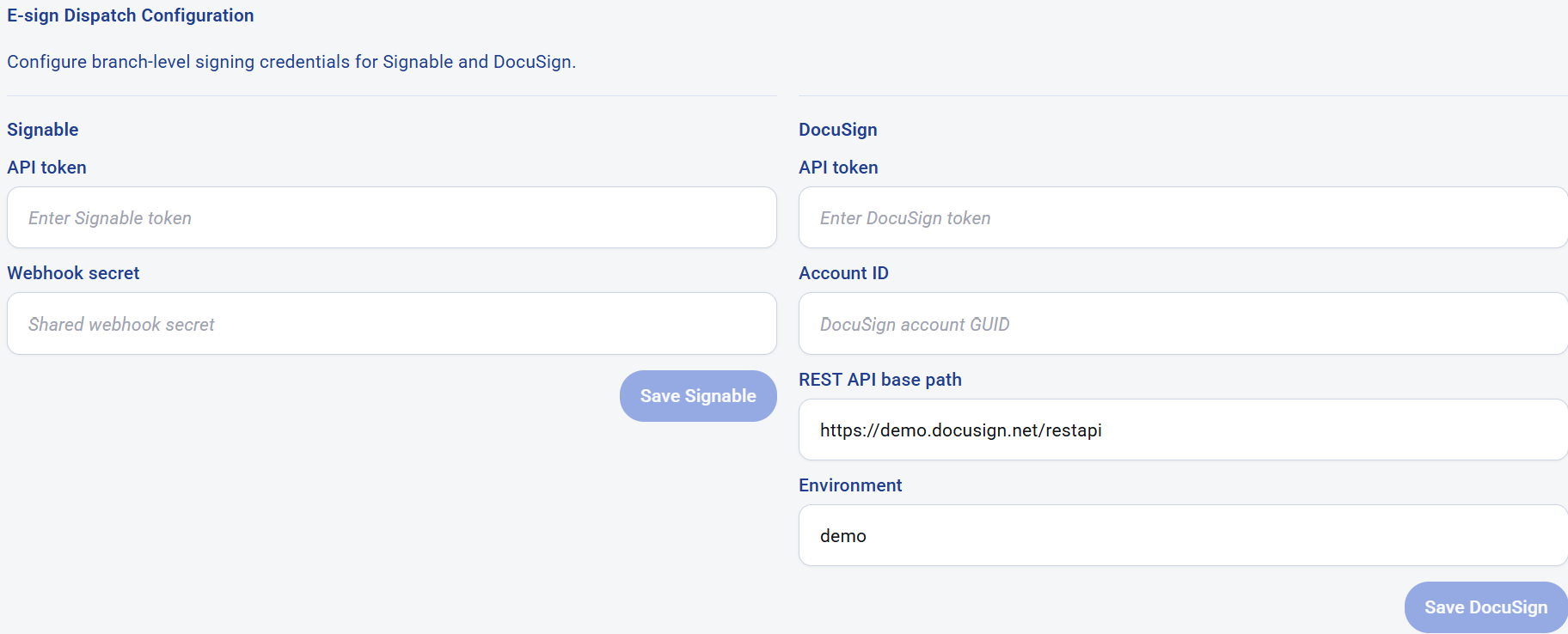 E-signature dispatch settings let branch owners configure Signable and DocuSign credentials.
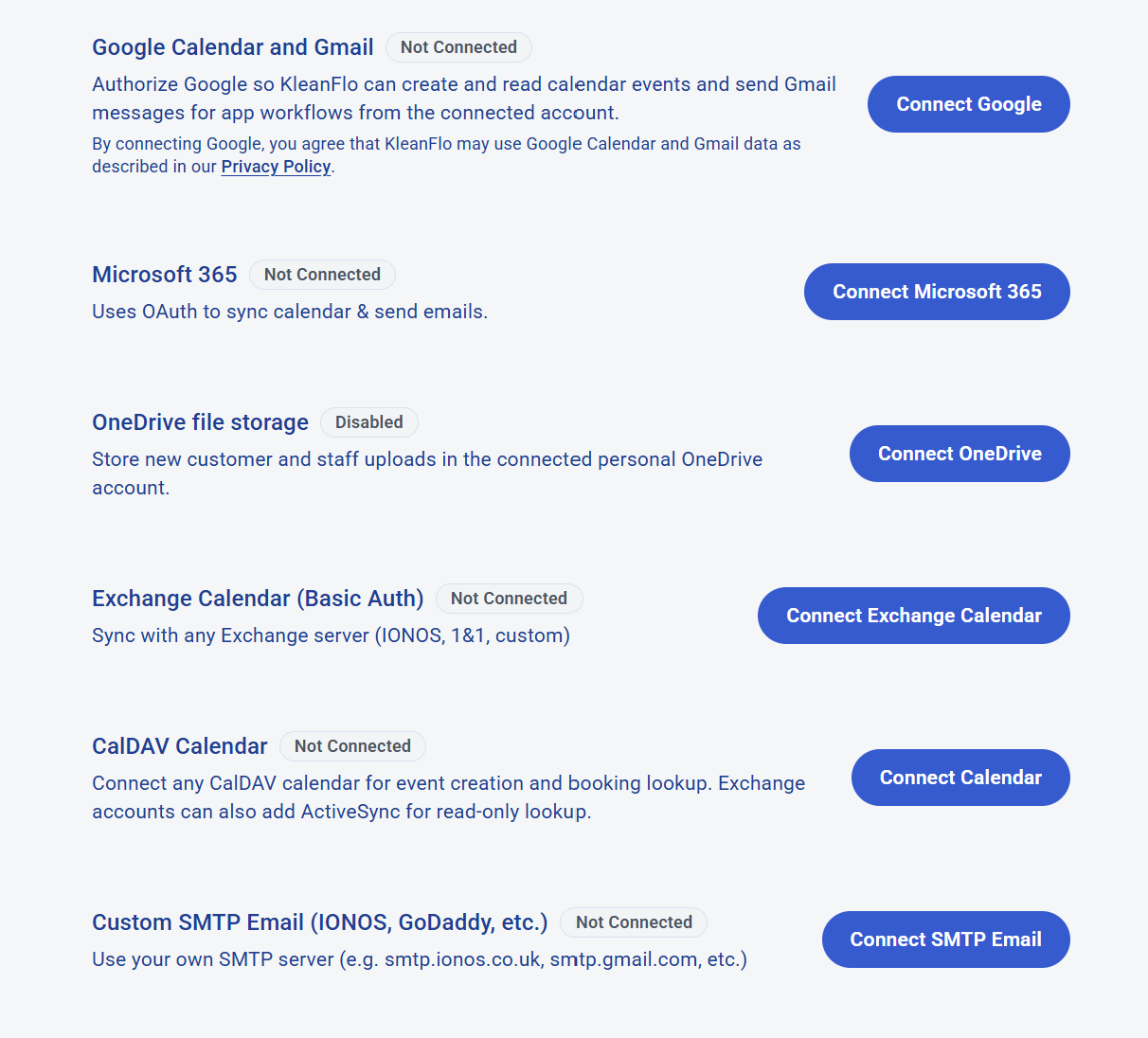 User and branch integrations cover Google, Microsoft 365, OneDrive, Exchange, CalDAV and SMTP workflows.